Memories, history and stats
How do I delete a walk?
Short answer
Open the walk from your history and choose to delete it. It is removed from your phone immediately, along with the photos, videos and notes attached to it. There is no server copy, so it is gone for good.
Updated · 1 min read
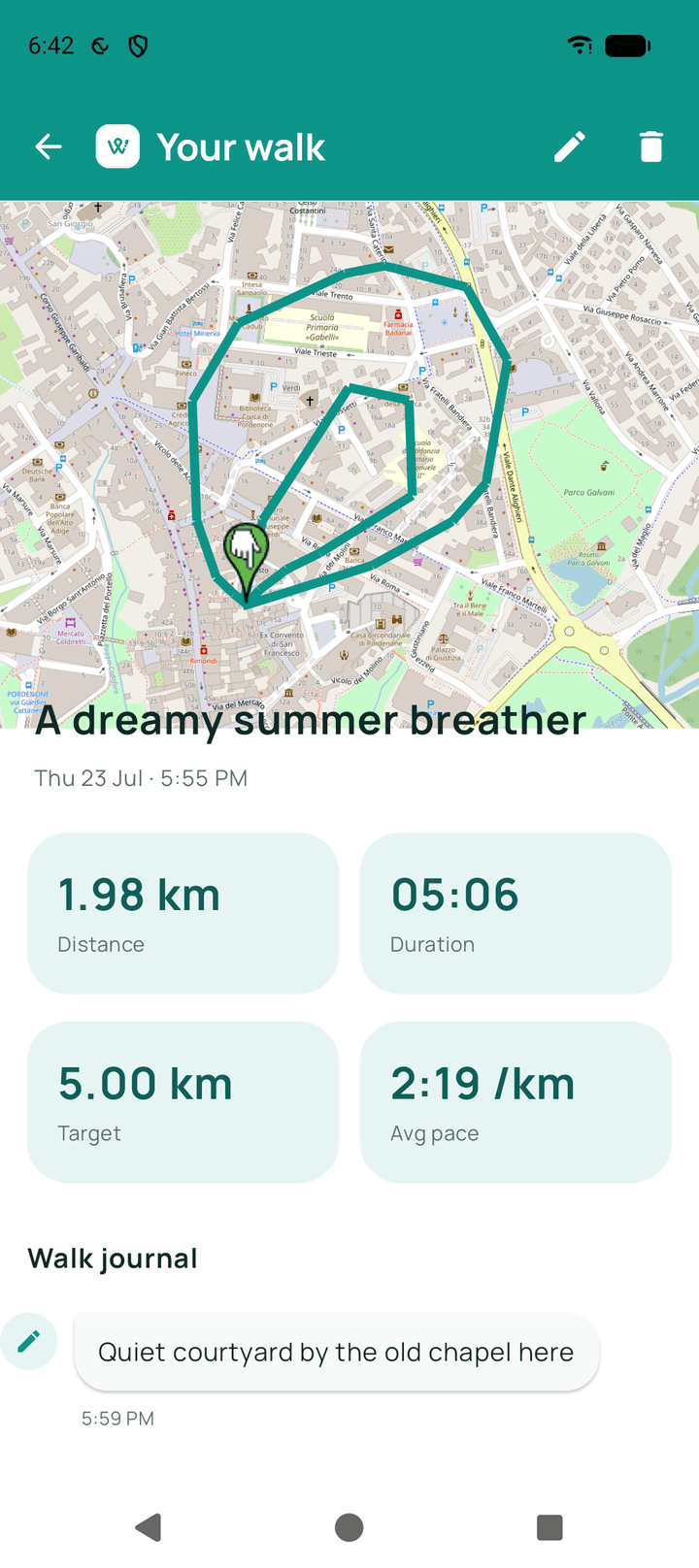
Step by step
- Open historyFind the walk you want removed.
- Open that walkTap it to see its detail.
- Delete itConfirm, and it is removed along with everything attached.
What happens next?
The walk disappears from your history and its totals no longer count towards your statistics. It cannot be undone.
Related guides
Was this helpful?
Nothing is sent or recorded — this only changes what you see next.
Feedback about the guide: How do I delete a walk?Still stuck? Contact Walkable Support or ask the Community.