Memories, history and stats
Where are my past walks stored?
Short answer
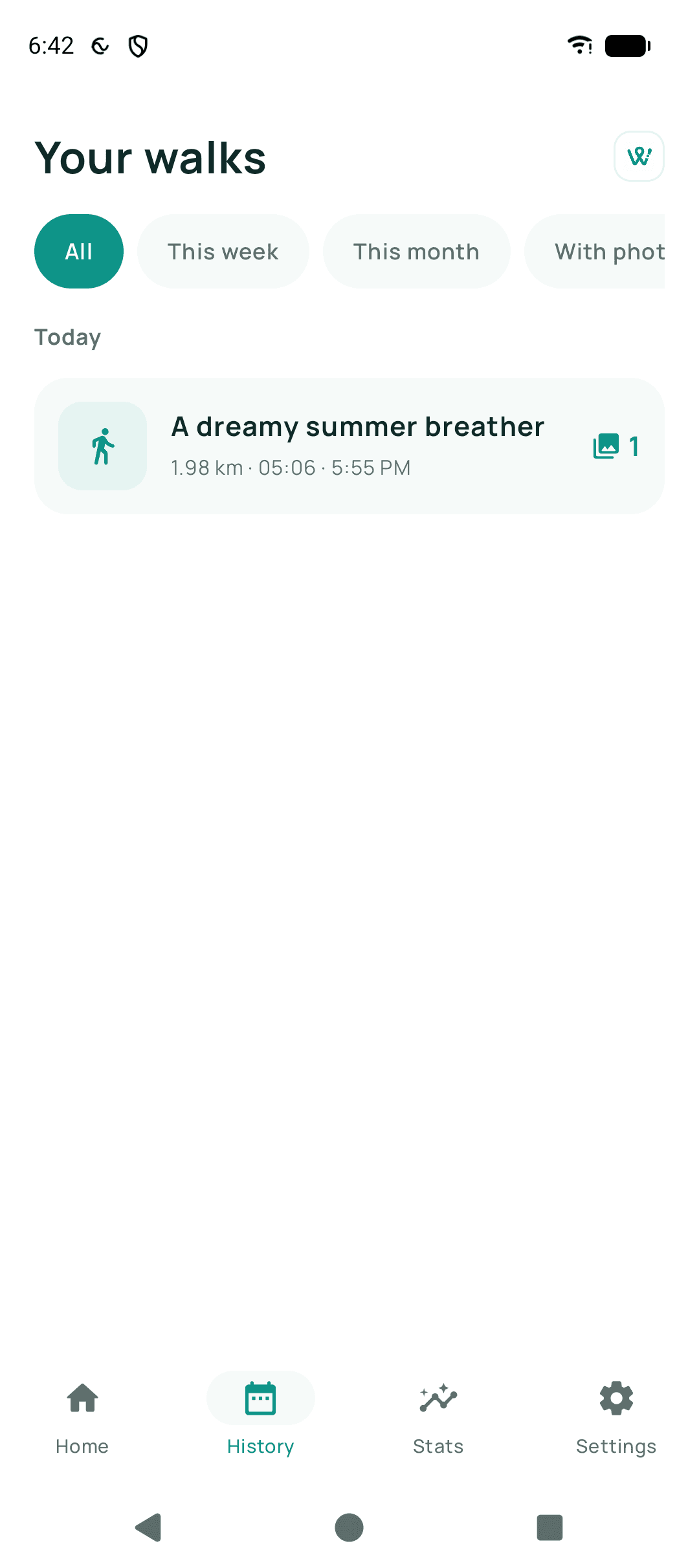
In Walkable's private storage on your phone, which only Walkable can read. There is no copy on a Walkable server, and Android's automatic backup is deliberately switched off, so they are not silently copied to Google either.
Updated · 2 min read
What this means practically
Your walks are as safe as your phone and no safer. That is the honest consequence of a design with no accounts: nothing to breach, and nothing to restore from.
It also means uninstalling Walkable removes them, and clearing the app's storage removes them.
Related guides
- How do I back up my walks?Connect your Google Drive and set up encrypted backup. Keep the recovery key — it is the only way back in.
- Where are my walks stored?In Walkable's private storage on your phone. There is no server copy.
- How do I delete a walk?Open the walk in your history and delete it. It goes immediately and permanently.
Was this helpful?
Nothing is sent or recorded — this only changes what you see next.
Feedback about the guide: Where are my past walks stored?Still stuck? Contact Walkable Support or ask the Community.