Privacy and your data
Where are my walks stored?
Short answer
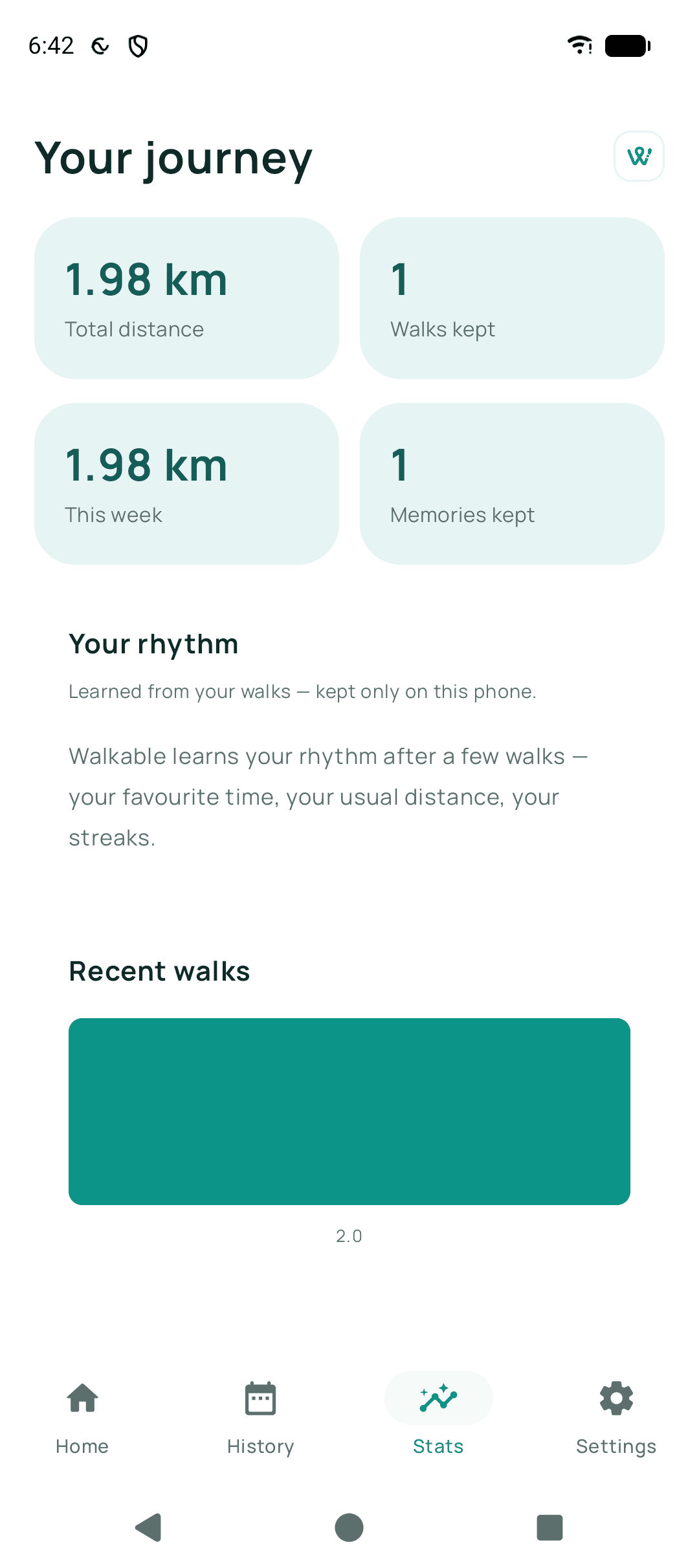
On your phone, in storage only Walkable can read. There is no copy on any Walkable server. Android's automatic cloud backup and its phone-to-phone transfer are both deliberately switched off for Walkable, so your walks are not copied to Google behind your back either.
Updated · 2 min read
The trade-off, stated plainly
Keeping everything on the device is what makes the privacy promise real. It also means a lost phone is a lost history, and that Walkable cannot help you recover it — we have nothing to recover from.
Cloud backup is the one thing that changes this, and it is built so that it does not weaken the promise: your walks are encrypted on the phone and the encrypted file goes to a private folder of your own Google Drive. Google holds something it cannot read, and Walkable still holds nothing at all.
Related guides
- What information does Walkable store?Walks, routes, photos, notes, places and settings — all on your phone, none on our servers.
- How do I back up my walks?Connect your Google Drive and set up encrypted backup. Keep the recovery key — it is the only way back in.
- How do I delete my local Walkable data?Settings has a delete-everything control. It clears the phone and cannot be undone.
Was this helpful?
Nothing is sent or recorded — this only changes what you see next.
Feedback about the guide: Where are my walks stored?Still stuck? Contact Walkable Support or ask the Community.