Getting started
What information does Walkable store?
Short answer
Walkable stores your walks and everything attached to them on your phone: the route you walked, distance and times, photos, videos, voice notes, saved places, reminders, your goals and streaks, and your settings. None of it is copied to a Walkable server.
Updated · 3 min read
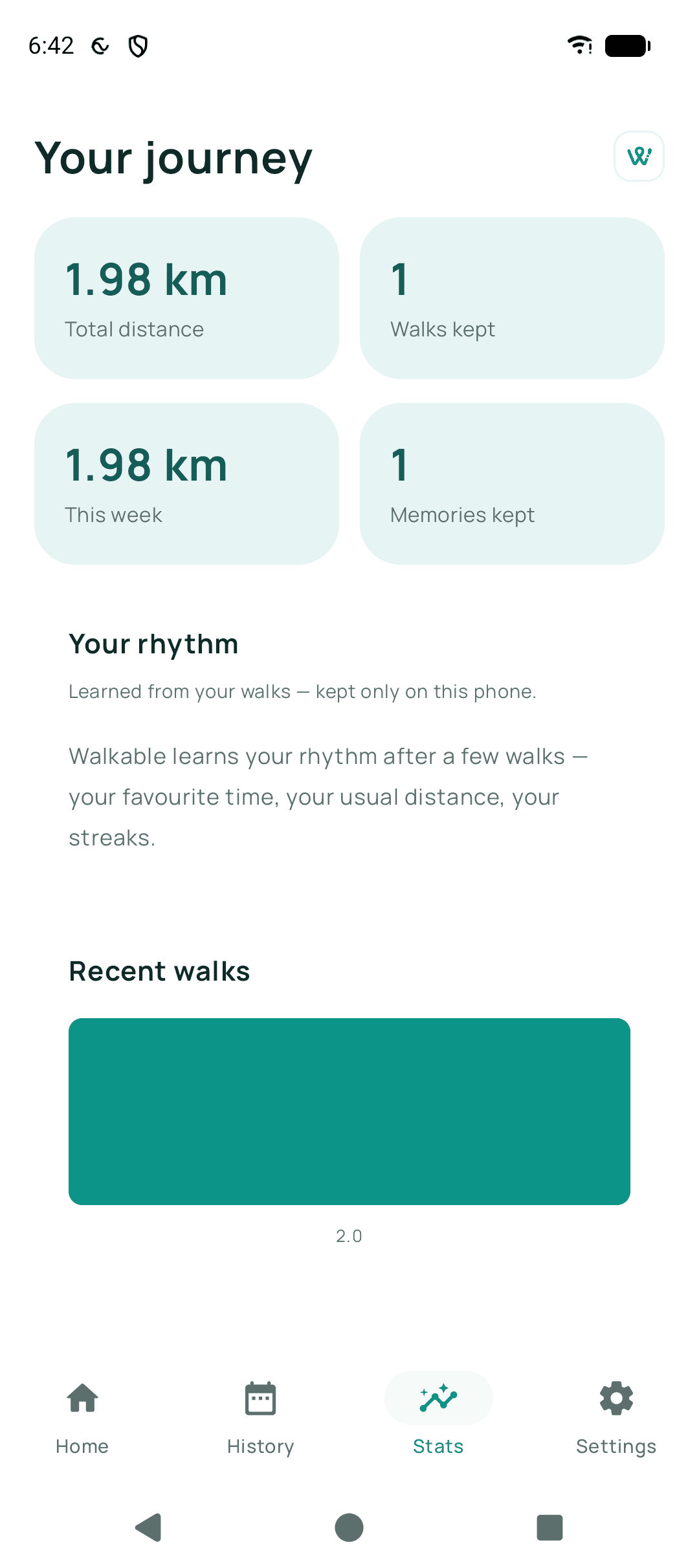
What is kept on your device
Every walk, with its recorded path, distance, duration and the times it started and finished. Any photos, videos or voice notes you attached during that walk. Places you saved. Reminders you set. Your goals, streak and the walking rhythm the app learns. Your settings, including language and theme.
That is the complete list. There is no hidden profile and no identifier that follows you between installs.
What Walkable does not have
No name, no email address, no phone number, no account. Nothing that could be used to say a particular walk belongs to a particular person.
Because there is no server-side copy, there is also no admin screen where anyone at Walkable could look up your walks. The capability does not exist.
What leaves the phone, and when
Route planning for an area you have not prepared offline needs to ask a routing service for a path, which means sending the start and end points of that request. Weather uses coordinates rounded to about a kilometre.
Everything else that leaves is something you start: sharing a live walk, handing a route to a friend, or writing to support. Each is described in its own guide.
Related guides
- Where are my walks stored?In Walkable's private storage on your phone. There is no server copy.
- Does Walkable track me?No. It records the walks you ask it to, on your phone, and never watches you in the background unless you switch that on yourself.
- How do I delete my local Walkable data?Settings has a delete-everything control. It clears the phone and cannot be undone.
Was this helpful?
Nothing is sent or recorded — this only changes what you see next.
Feedback about the guide: What information does Walkable store?Still stuck? Contact Walkable Support or ask the Community.