Backup and recovery
Is Google Drive backup automatic?
Short answer
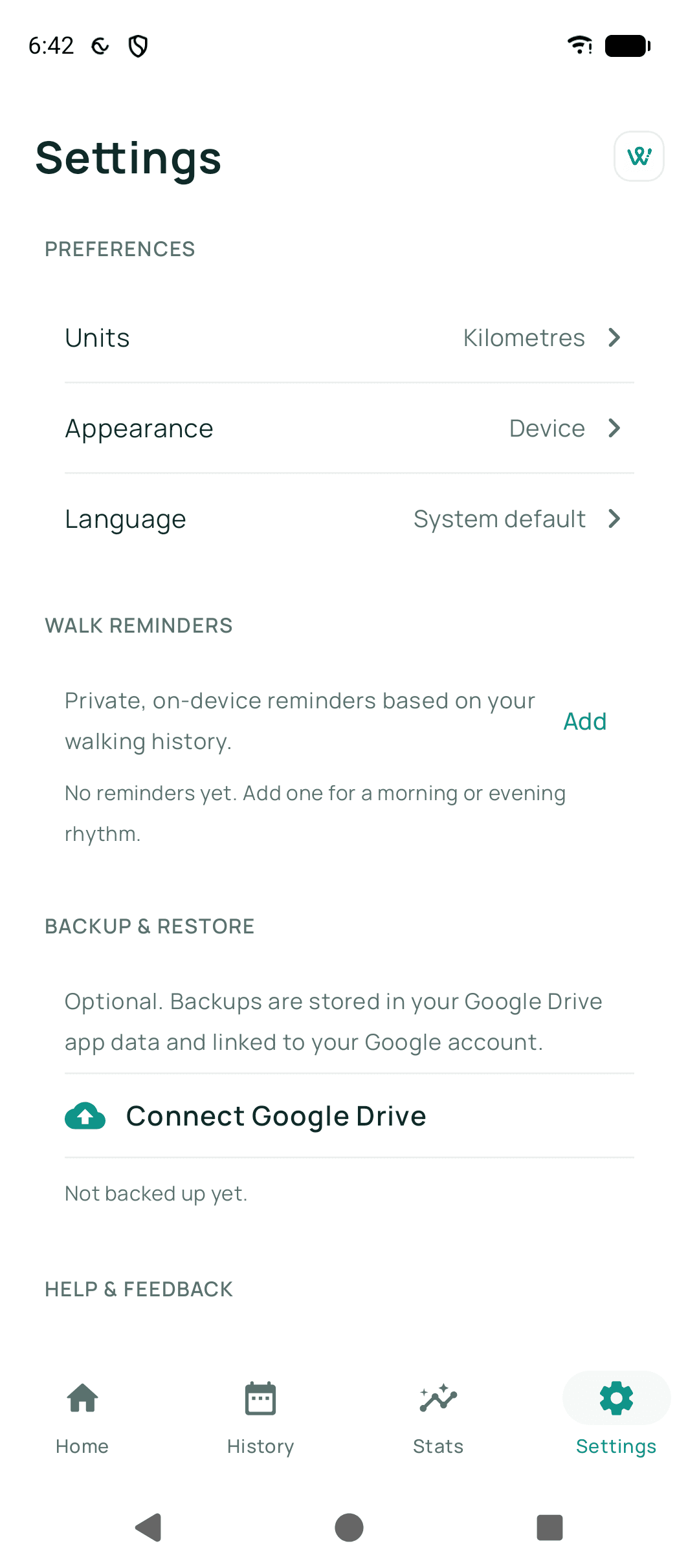
Not until you turn it on. You connect your own Google Drive and set up encrypted backup first; after that, Walkable can back up about once a day and after a walk, if you switch on automatic backup. Nothing leaves your phone before you have done both of those things.
Updated · 2 min read
How it works
You connect your own Google Drive and set up encrypted backup, which is the step that creates your recovery key. From then on the 'Automatic backup' switch decides whether Walkable backs up on its own — roughly once a day, and after a walk finishes.
With that switch off, backup happens only when you tap 'Backup now'. Either way, what is uploaded is encrypted on the phone first.
What it will not do behind your back
It will not connect an account for you, it will not set up encryption for you, and it will not upload photos or voice notes unless you have separately switched on 'Include photos & audio'. Each of those is a decision you make rather than one you inherit.
Automatic backup also stops by itself if this phone no longer has the key — after a restore where you have not yet entered your recovery key, for instance. It waits to be asked rather than failing quietly in the background.
Related guides
Was this helpful?
Nothing is sent or recorded — this only changes what you see next.
Feedback about the guide: Is Google Drive backup automatic?Still stuck? Contact Walkable Support or ask the Community.