Troubleshooting
Navigation gives an unexpected instruction
Short answer
Most often Walkable has rerouted because it thought you left the path — which can happen from GPS drift near buildings — or the underlying map data does not match what is actually there. Following what you can see in front of you is always the right call.
Updated · 2 min read
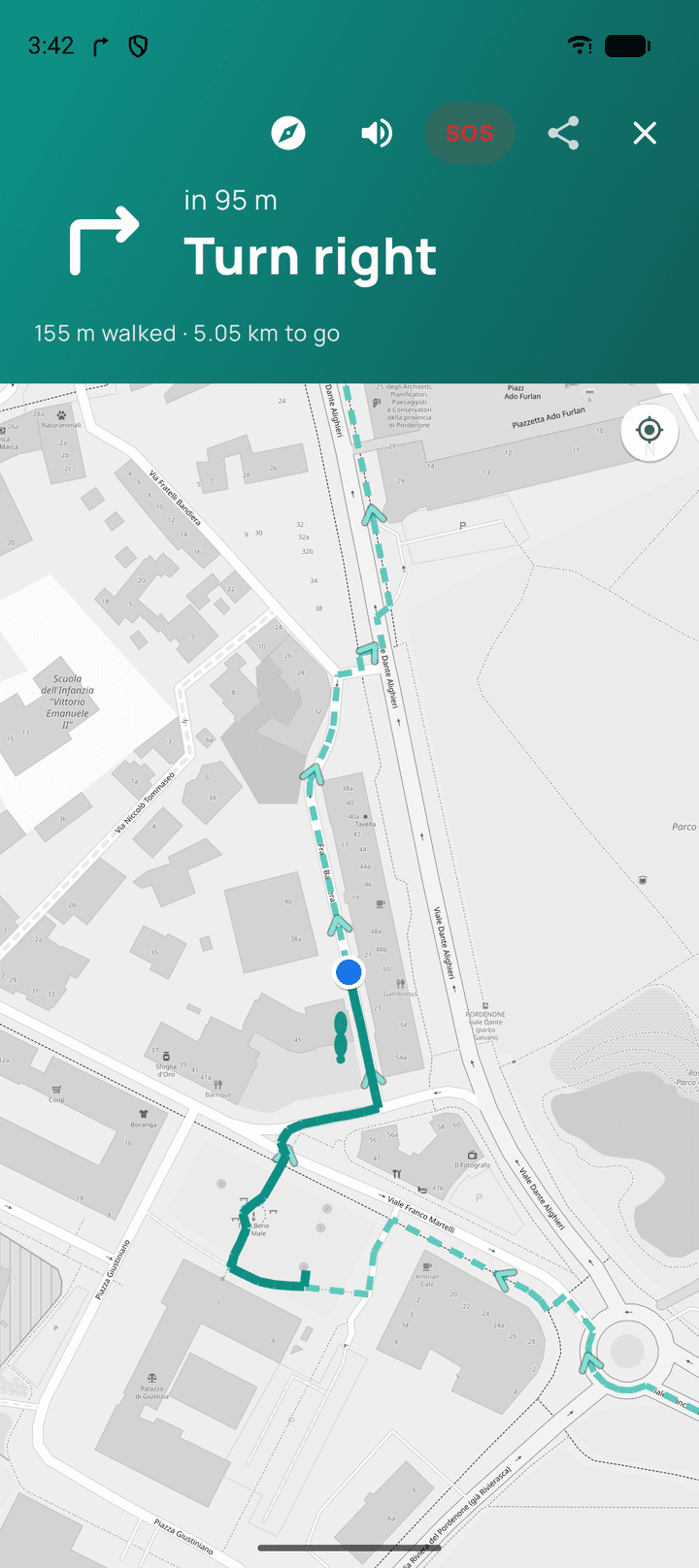
Trust your eyes over the app
If Walkable suggests crossing where there is no crossing, or turning into something that is not a path, do not. It will work out a new route from wherever you actually go, and no harm is done.
Why it happens
GPS drift in a narrow street can put you a few metres off the line, which can be enough to trigger a recalculation from a position you were never at.
Map data can also be out of date — a path closed, a new building, a crossing removed. Walkable routes over public map data and inherits its gaps.
Common problems
It keeps sending me down something impassable
The map data is wrong there. Report it to Support so the gap is known.
Related guides
- How does automatic rerouting work?Walkable waits to be sure you have really left, then plans a fresh route from where you are.
- How do I report a map problem?Tell Walkable Support what and where — a missing path, a wrong route, a closed way.
- Why is my GPS inaccurate?Buildings, trees and cloud cover bend the signal. It is the phone's position fix, not Walkable.
Was this helpful?
Nothing is sent or recorded — this only changes what you see next.
Feedback about the guide: Navigation gives an unexpected instructionStill stuck? Contact Walkable Support or ask the Community.