Getting started
Can I use Walkable without logging in?
Short answer
Yes. There is no login in Walkable, so there is nothing to skip or postpone. Planning routes, navigating, recording walks, adding photos and notes, viewing your history and sharing all work without signing in to anything.
Updated · 2 min read
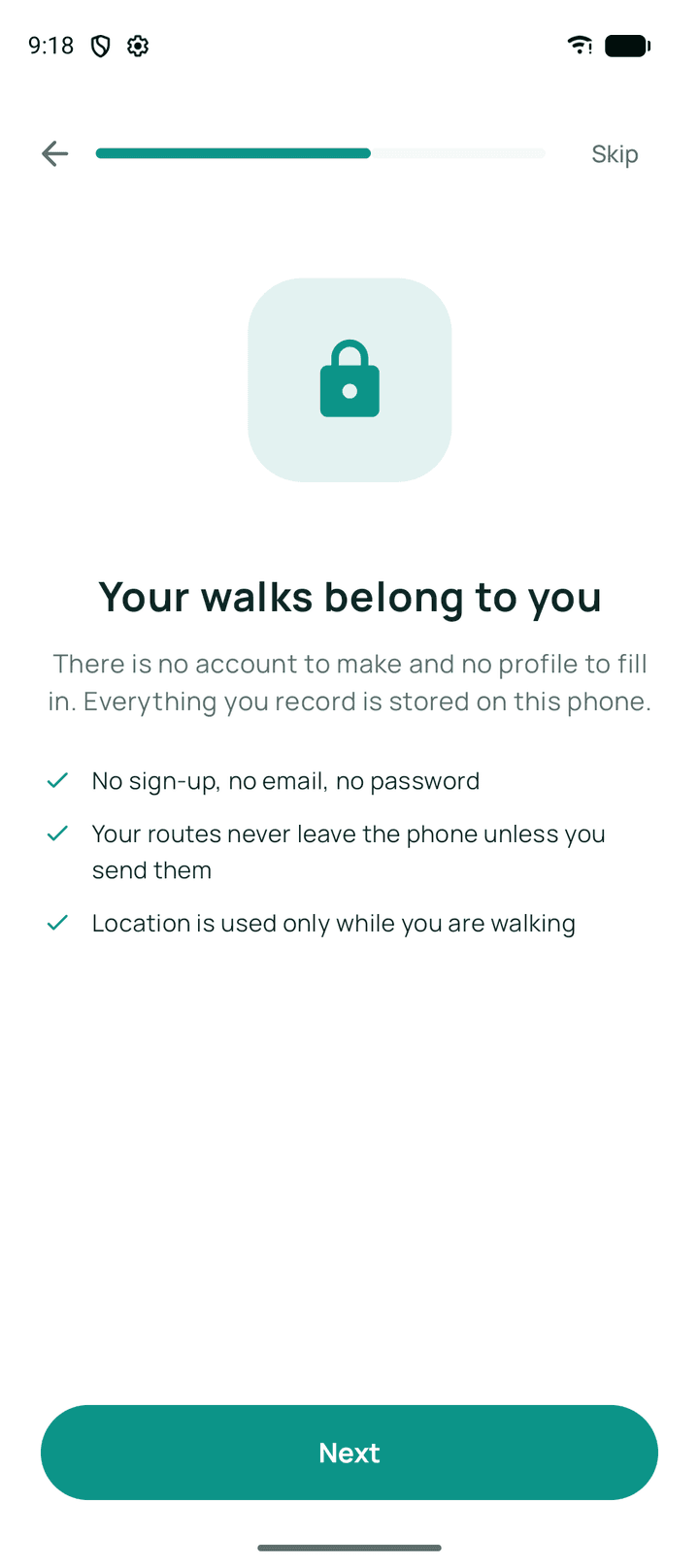
What works with no sign-in
All of it. Route planning, turn-by-turn guidance, recording a walk, offline maps, your history and statistics, photos and voice notes, live sharing and route sharing — none of these ask who you are.
The single exception, and it is optional
Backing up to your own Google Drive needs Google's permission to write to your Drive, so that one screen asks you to sign in to Google. You are signing in to Google, not to Walkable, and only that feature is affected.
Related guides
- Do I need to create an account?No. Walkable has no accounts at all — no sign-up, no email, no password.
- What information does Walkable store?Walks, routes, photos, notes, places and settings — all on your phone, none on our servers.
- Does Walkable track me?No. It records the walks you ask it to, on your phone, and never watches you in the background unless you switch that on yourself.
Was this helpful?
Nothing is sent or recorded — this only changes what you see next.
Feedback about the guide: Can I use Walkable without logging in?Still stuck? Contact Walkable Support or ask the Community.