Getting started
Do I need to create an account?
Short answer
No. Walkable has no accounts. There is no sign-up screen, no email address to give and no password to create. Install the app and start walking — everything works immediately.
Updated · 2 min read
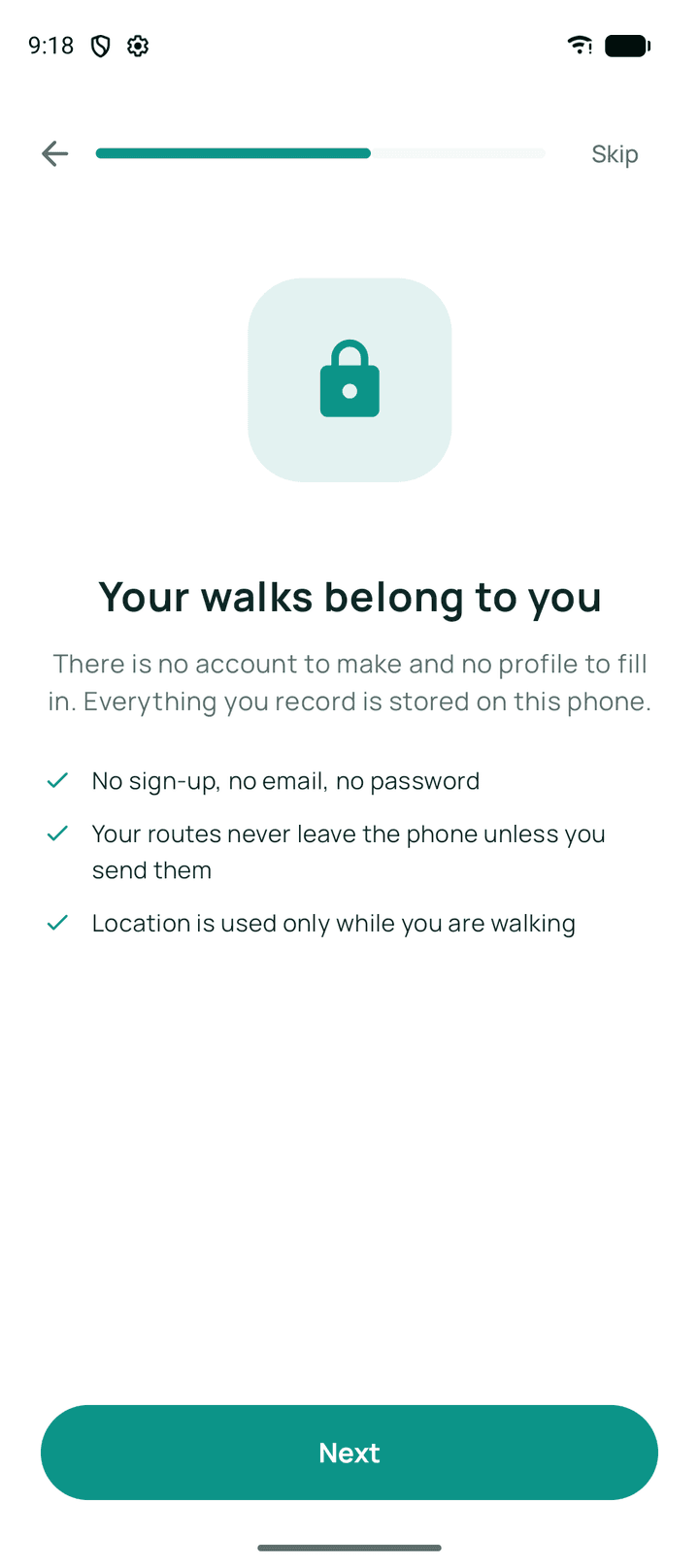
Why there is no account
An account exists so a service can keep your data on its servers and give it back to you later. Walkable does not keep your data on its servers, so there is nothing for an account to unlock.
That decision has a real consequence worth understanding: because we never know who you are, we also cannot help you recover a walk history that is gone. The trade is deliberate — nothing to breach in exchange for nothing to restore from — and it is why backing up matters.
The one place Google Sign-In appears
Inside the optional backup screen, Walkable can ask you to sign in to Google. This is not a login for Walkable. It exists solely to get permission to write into a private folder of your own Google Drive, and nothing else in the app uses it.
You can use every other part of Walkable — routes, navigation, recording, history, photos, sharing — without ever seeing that screen.
Related guides
- Can I use Walkable without logging in?Yes — there is nothing to log in to. Every feature works without signing in.
- Why does Walkable not require an account?Because the only way to guarantee data is not misused is not to hold it.
- How do I back up my walks?Connect your Google Drive and set up encrypted backup. Keep the recovery key — it is the only way back in.
- What do I give up by not having an account?No sync between devices, no recovery by us, and a lost phone takes your history unless backup is on.
Was this helpful?
Nothing is sent or recorded — this only changes what you see next.
Feedback about the guide: Do I need to create an account?Still stuck? Contact Walkable Support or ask the Community.