Navigation and GPS
How do I finish a walk?
Short answer
Press finish on the walk screen. Walkable saves it to your phone straight away, with the path you walked, the distance, the duration and the steps counted.
Updated · 1 min read
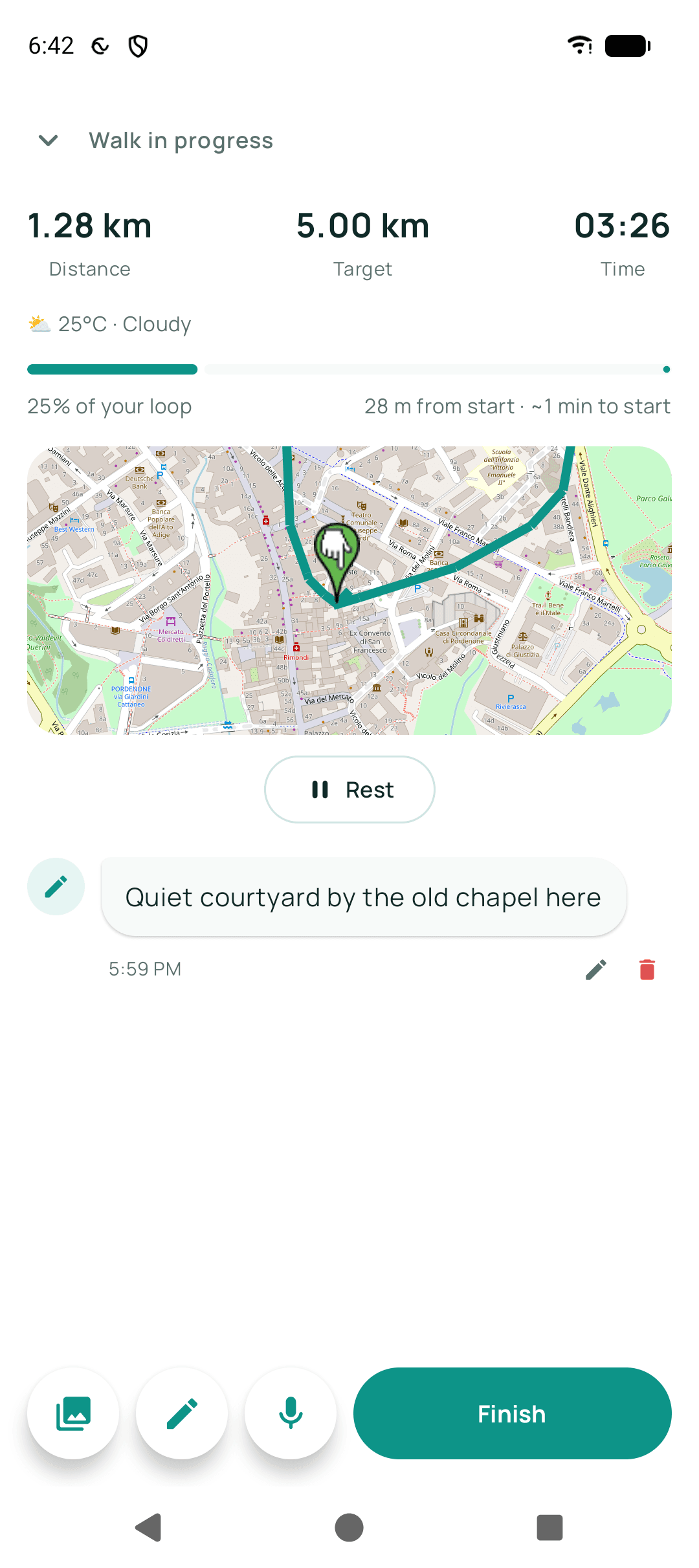
Step by step
- Open WalkableTap the ongoing-walk notification if the screen is off.
- Press finishThe walk ends and is written to the phone at once.
- Add anything you want to rememberA note, a photo, or how the walk felt.
What happens next?
The walk appears in your history immediately. Any live sharing stops. Nothing is uploaded anywhere.
Related guides
- Can I pause and resume a walk?Yes. Pausing stops distance and time counting until you resume.
- My walk was not savedUsually the walk was never finished, or the system stopped the app mid-walk.
- How do I view my walking history?Open the history section to see every walk, with filters to find a particular one.
Was this helpful?
Nothing is sent or recorded — this only changes what you see next.
Feedback about the guide: How do I finish a walk?Still stuck? Contact Walkable Support or ask the Community.