Memories, history and stats
How do I view my walking history?
Short answer
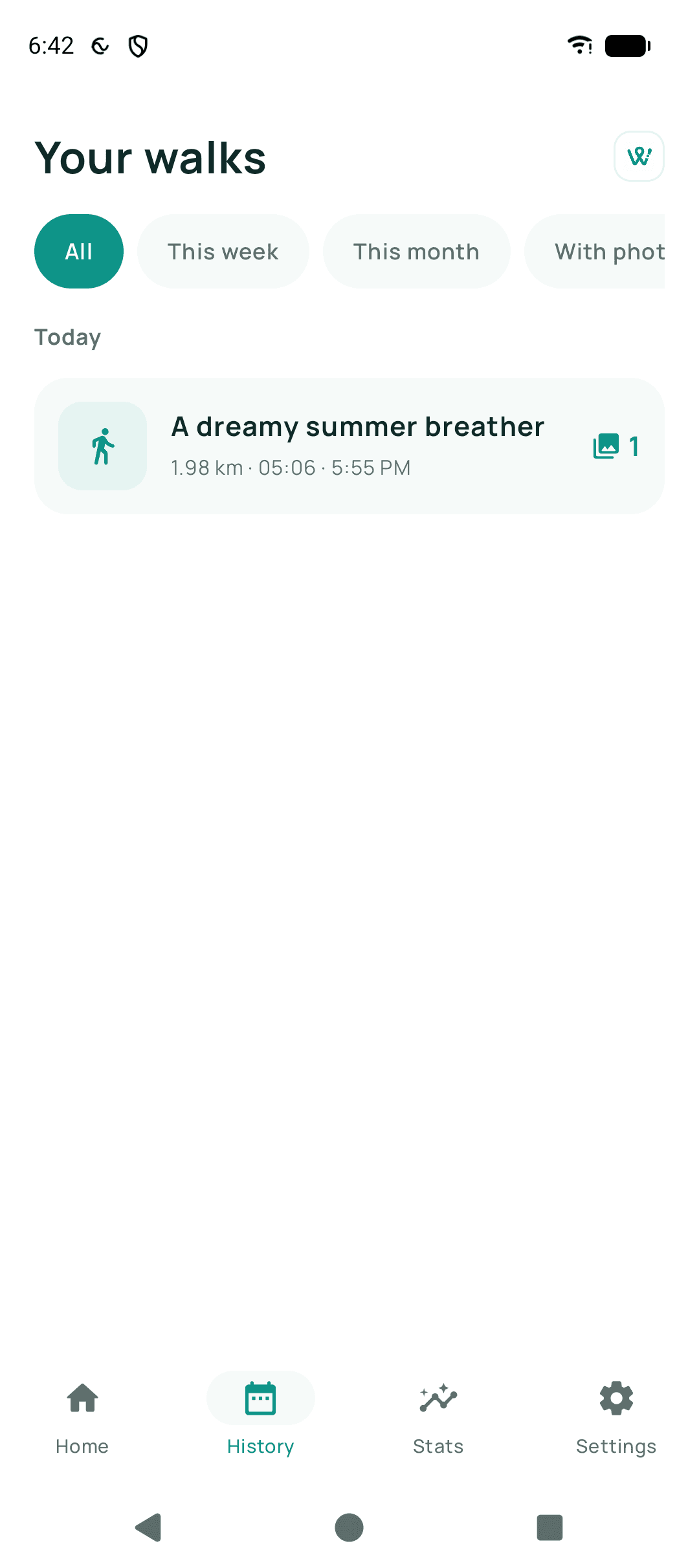
Open Walkable's history section. Every walk you have finished is there, newest first, with its date, distance and duration. Tap one to see its full map, the memories you attached and its statistics.
Updated · 1 min read
Step by step
- Open historyFrom the app's main navigation.
- Browse or filterNarrow by time or by the kind of walk to find a particular one.
- Open a walkSee the full map, its numbers, and every photo or note attached.
Related guides
- Where are my past walks stored?On your phone, in Walkable's own private storage. Nowhere else.
- How do walking statistics work?Counted on your phone from your recorded walks. Nothing is compared to anyone else.
- How do I delete a walk?Open the walk in your history and delete it. It goes immediately and permanently.
Was this helpful?
Nothing is sent or recorded — this only changes what you see next.
Feedback about the guide: How do I view my walking history?Still stuck? Contact Walkable Support or ask the Community.