Backup and recovery
How do I restore my walks on a new phone?
Short answer
Install Walkable on the new phone, connect the same Google account you used before, choose Restore, and enter your recovery key when it asks. Your walks, places and settings come back. If you never made a backup, there is unfortunately nothing to restore from — Walkable has no copy of its own.
Updated · 3 min read
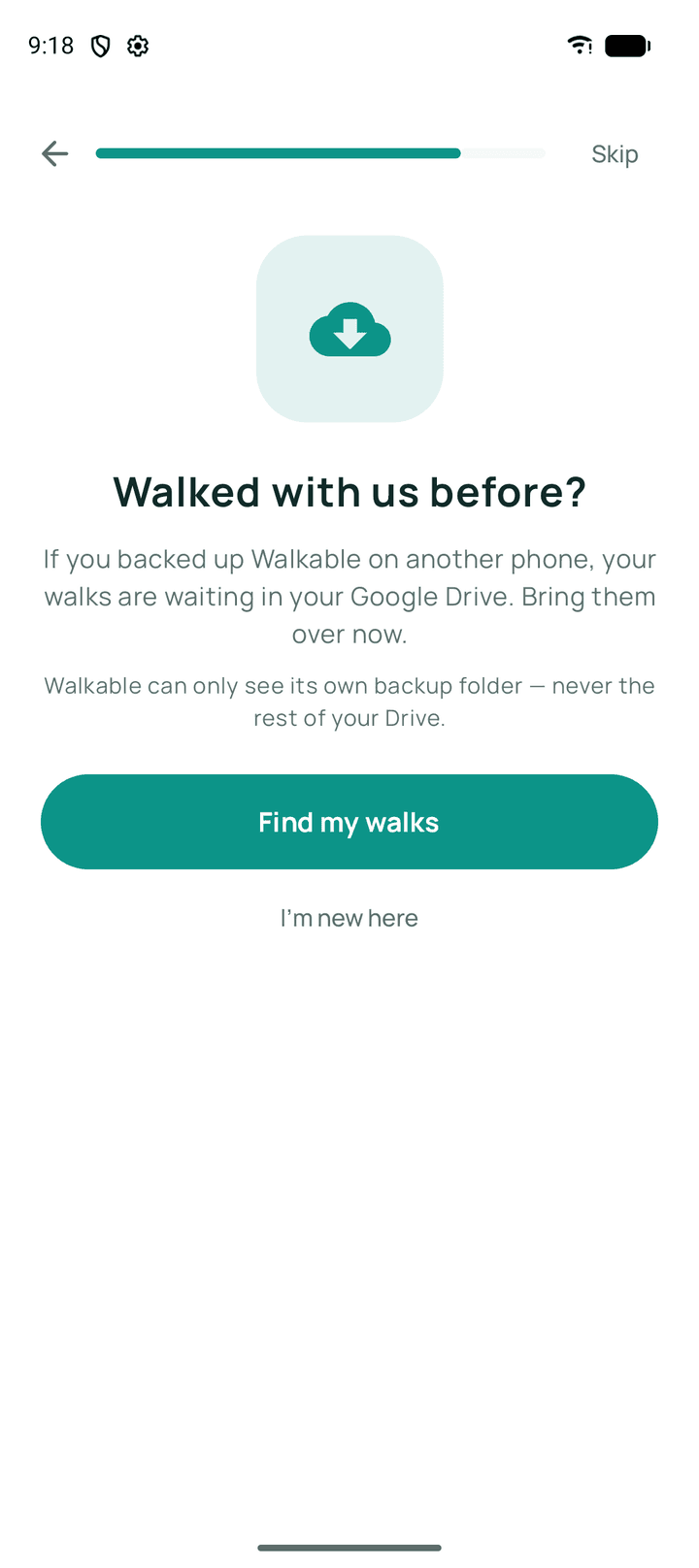
Step by step
- Install Walkable on the new phoneNo account is needed to install or use it.
- Open Backup and restore in settingsFound under the app's settings.
- Connect the same Google accountIt must be the account whose Drive holds the backup — a different account has a different Drive.
- Choose RestoreWalkable reads the backup and shows you what it found.
- Enter your recovery keyThe key you saved when you set backup up. Upper or lower case, with or without the dashes — it is read the same either way. Backups made before encryption do not ask for one.
- Decide what happens to anything already on this phoneIf you have walked on the new phone already, you will be asked how to combine the two.
What happens next?
Your walks, places and settings appear on the new phone. Photos and videos come back only if media backup was on when the backup was made.
Common problems
The restore finds nothing
Almost always the wrong Google account. Check which account you connected — the backup lives in one specific Drive.
It says the backup could not be read
The file is damaged. Walkable stops rather than importing something half-read, and nothing on your phone is changed.
It says that key does not open this backup
The key is well formed but belongs to a different backup — check whether you saved more than one. If the key is right, make sure you connected the same Google account: a different account is a different Drive, and a different backup.
You no longer have the recovery key
Then the backup cannot be opened. There is no reset, no support route and no copy held anywhere else — that is what made it unreadable to Google in the first place. If the old phone still works, its walks are intact and you can set up a fresh backup from it.
Related guides
- How do I move Walkable to another phone?Through an encrypted Drive backup. Android's own transfer deliberately will not carry your walks.
- What should I do if my backup is not appearing?Check the Google account first — it is the cause almost every time.
- What happens if local and restored data are different?Walkable asks you before writing anything, and tells you what each choice costs.
Was this helpful?
Nothing is sent or recorded — this only changes what you see next.
Feedback about the guide: How do I restore my walks on a new phone?Still stuck? Contact Walkable Support or ask the Community.