Backup and recovery
What should I do if my backup is not appearing?
Short answer
Check which Google account you connected. A backup lives in one specific account's Drive, and connecting a different one shows an empty result rather than an error. If the account is right and there is still nothing, the backup was probably never completed.
Updated · 3 min read
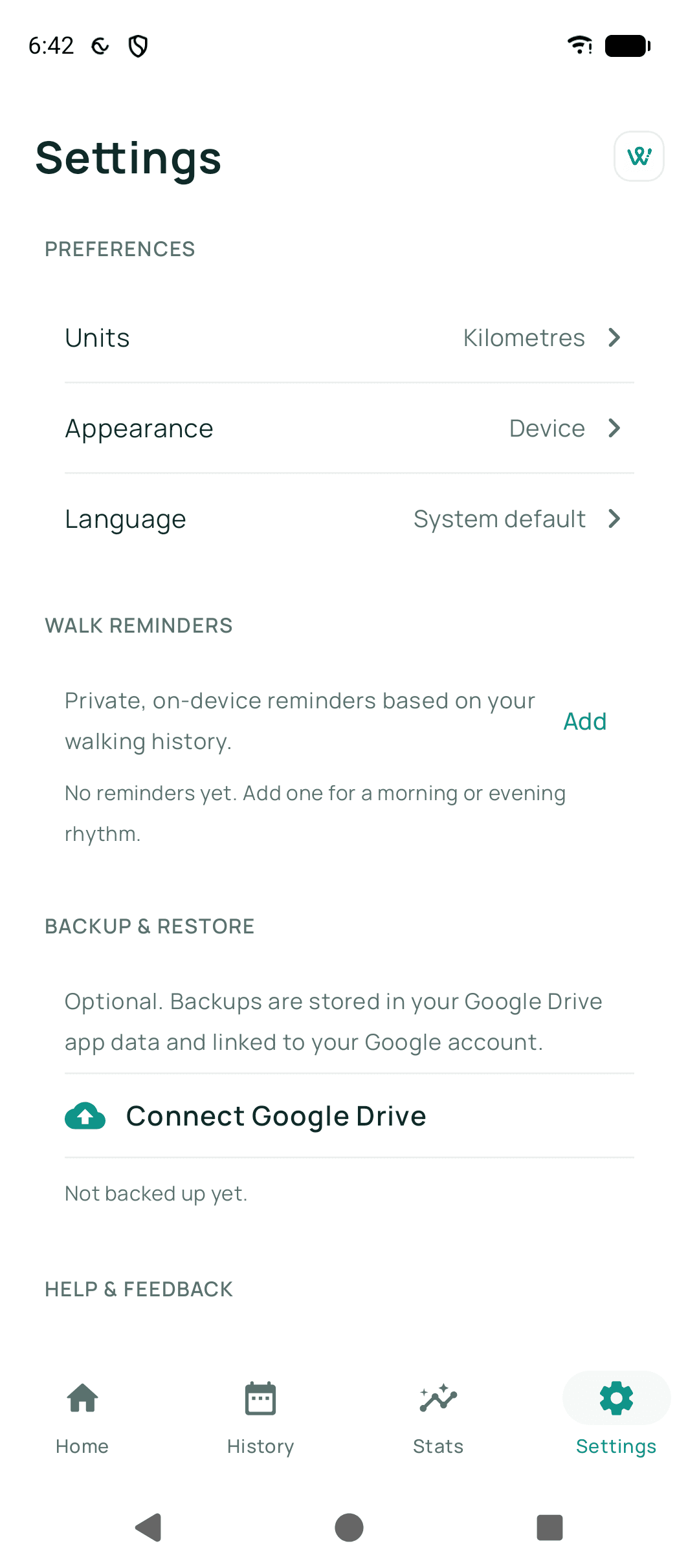
Step by step
- Check the connected accountOpen Backup and restore and look at which Google account is connected. Phones often have several.
- Reconnect with the right oneDisconnect and connect again, choosing the account you used on the old phone.
- Try the restore againWalkable will tell you honestly if it finds nothing.
- Consider whether a backup ever finishedConnecting Drive is not the same as completing a backup. If the old phone never reported a successful backup, there may be nothing there.
Common problems
It says no backup was found
Wrong Google account, or no backup was ever completed. Both look identical from the new phone.
It says the backup could not be read
The file is damaged. Walkable refuses to import a partly-read backup and leaves your phone untouched.
Backup now does not complete
Check that encrypted backup is actually set up: if the screen offers 'Set up encrypted backup' or asks for your recovery key, no upload can happen until you do that. Otherwise it is usually the network — Walkable waits for a connection rather than failing outright.
Related guides
- How do I restore my walks on a new phone?If you have an existing Drive backup, connect the same Google account and restore from it.
- How do I back up my walks?Connect your Google Drive and set up encrypted backup. Keep the recovery key — it is the only way back in.
- My backup is not visibleUsually the wrong Google account — a different account is a different Drive.
Was this helpful?
Nothing is sent or recorded — this only changes what you see next.
Feedback about the guide: What should I do if my backup is not appearing?Still stuck? Contact Walkable Support or ask the Community.