Troubleshooting
The map is grey or not loading
Short answer
The map has no data to draw: there is no connection, and no offline map prepared for where you are. Importantly, this does not affect your recording — the walk is still being tracked and will save normally.
Updated · 2 min read
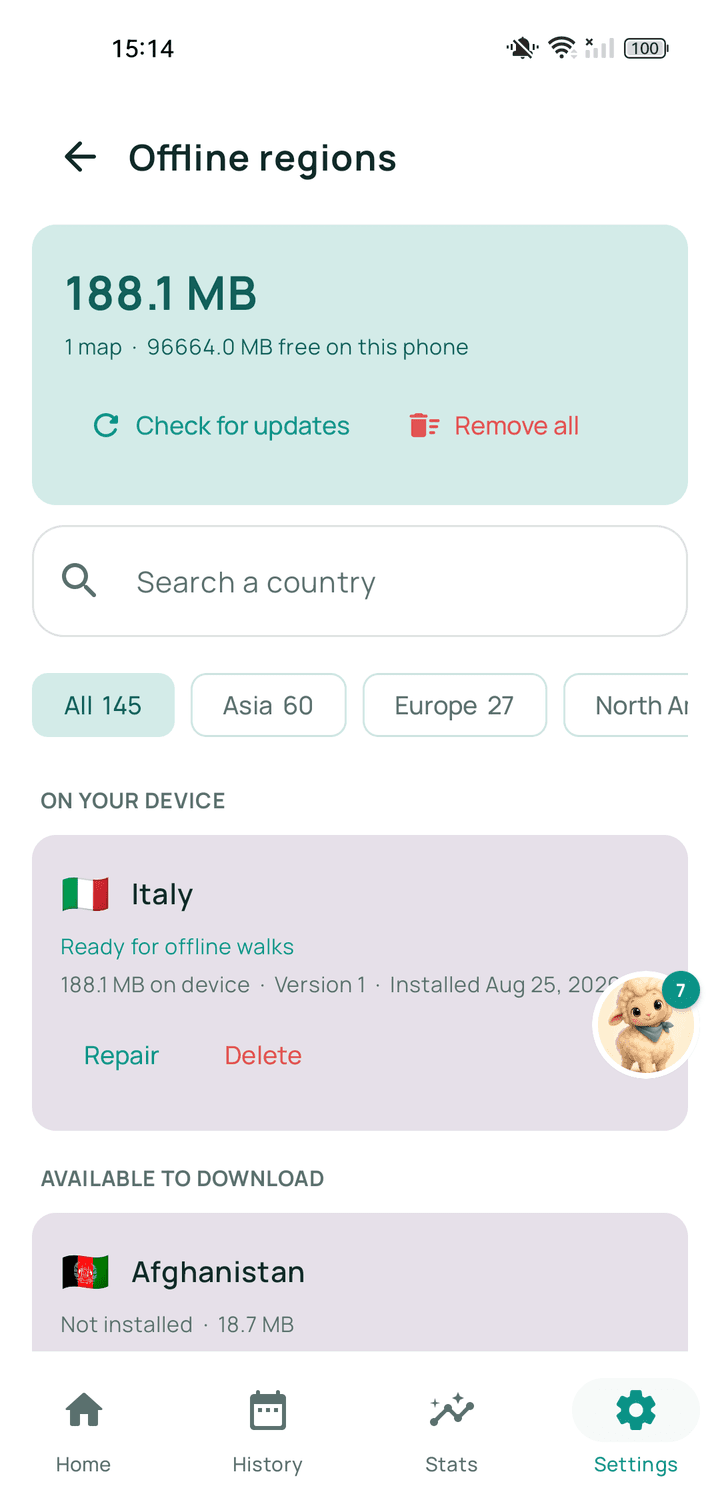
Step by step
- Check your connectionIf you have signal, the map should fill in shortly.
- Carry on walkingRecording does not need the map. Nothing is being lost.
- Prepare an offline map afterwardsDownload the region for that area so it never happens there again.
Related guides
- Will my walk be saved if I lose internet during a walk?Yes. Recording never uses the internet, so losing signal changes nothing about it.
- How do I download or prepare an offline region?From Walkable's offline maps screen, on wifi, and let it finish before you leave.
- Walkable is not working offlineThe offline map for that area is missing or incomplete.
Was this helpful?
Nothing is sent or recorded — this only changes what you see next.
Feedback about the guide: The map is grey or not loadingStill stuck? Contact Walkable Support or ask the Community.