Privacy and your data
What happens when I share a walk?
Short answer
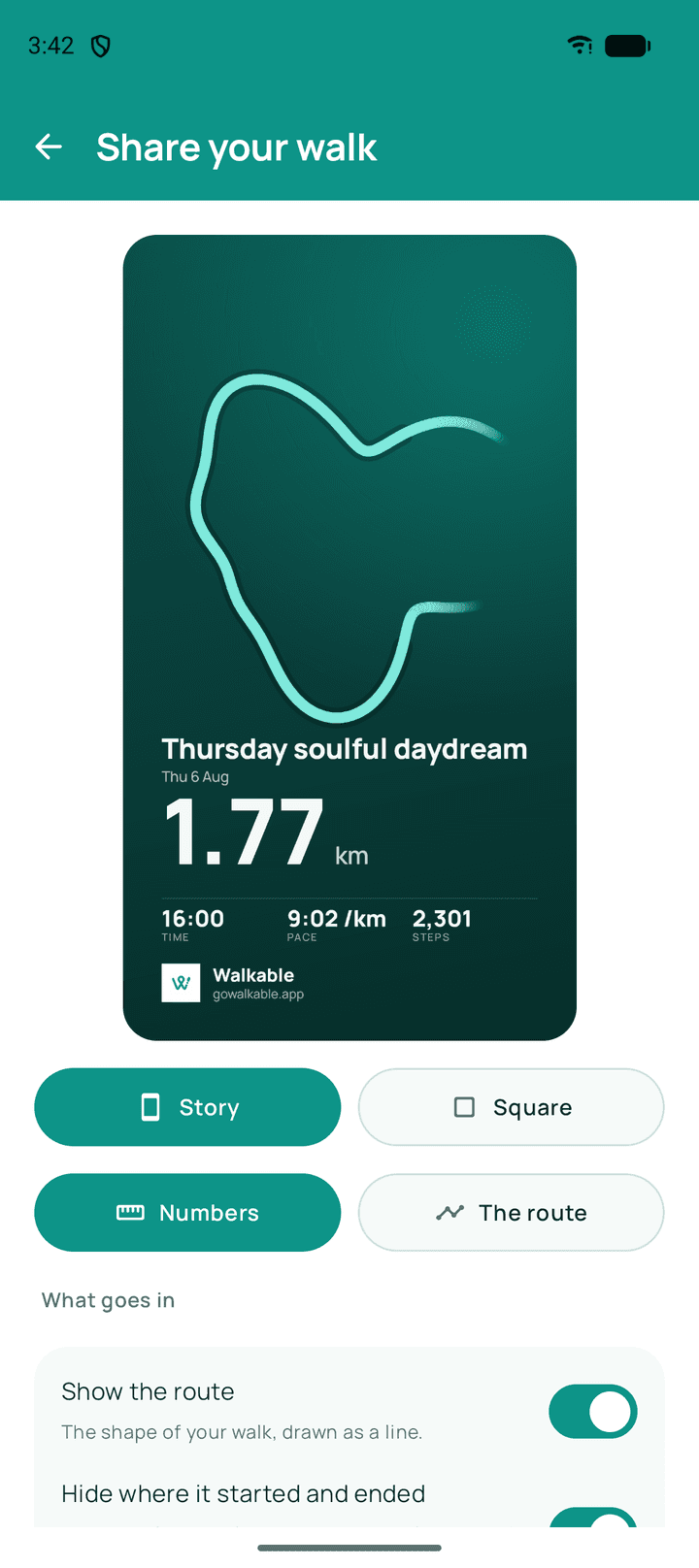
Sharing sends only the thing you chose. A shared image is a picture of that one walk. A live share sends your position while the walk runs, to whoever holds the link, and stops when you finish. Neither sends your history, your other walks or anything identifying you.
Updated · 3 min read
Live sharing
The link shows where you are on a map and whether you are walking or stopped. It expires by itself, stops when you finish the walk, and you can end it at any moment.
Assume the link will be forwarded — anyone holding it can watch. That is why it holds a position and nothing else: no name, no history, no saved places.
Related guides
- What information is included in a shared walk?The walk's shape and the details you left on. Never your history or your identity.
- How do I control what I share?Switch details off before sharing, and end a live share whenever you like.
- How do I share a walk?Make an image of the walk, choose what it shows, and send it however you like.
Was this helpful?
Nothing is sent or recorded — this only changes what you see next.
Feedback about the guide: What happens when I share a walk?Still stuck? Contact Walkable Support or ask the Community.