Planning and recording walks
How do I record a walk without planning a route?
Short answer
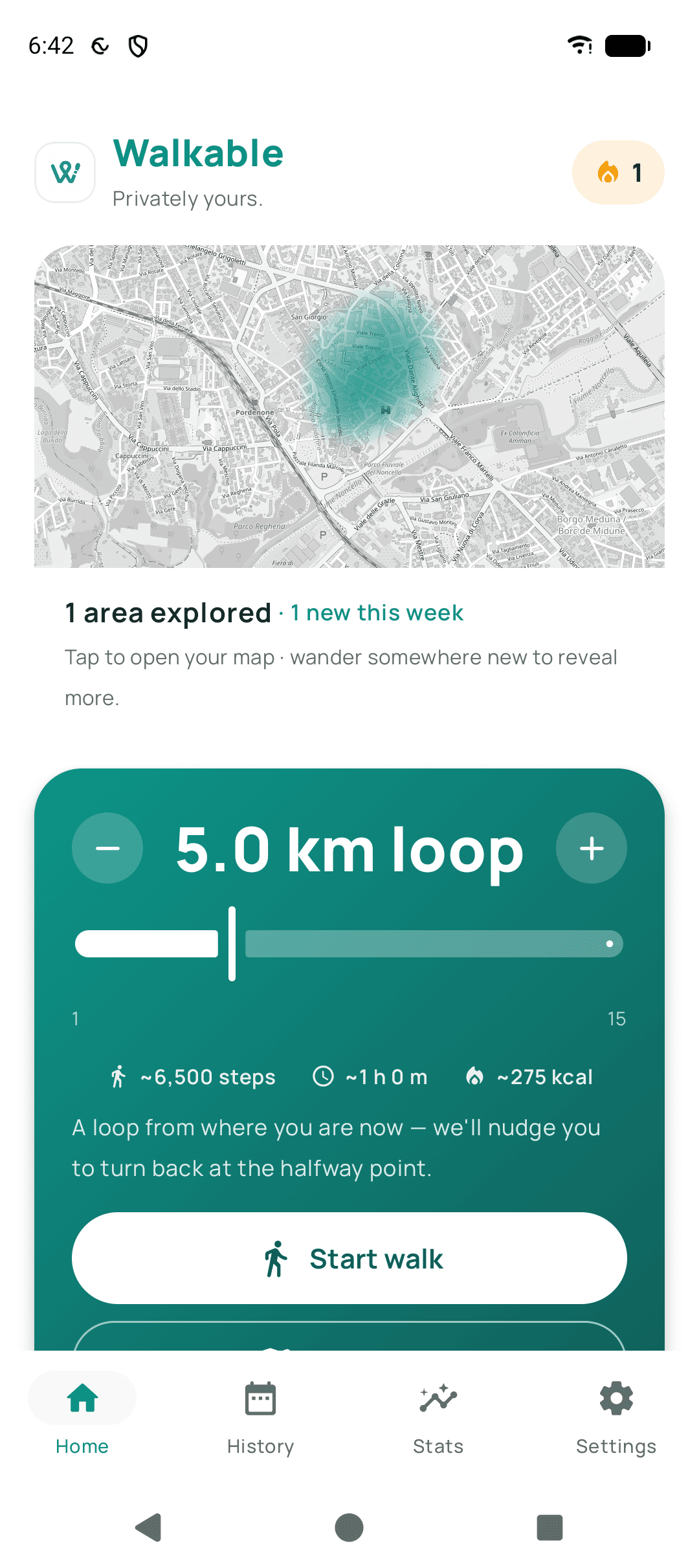
Press start without choosing a route, and walk wherever you like. Walkable records your path, distance, time and steps, and saves it when you finish. This is the simplest way to use the app and the one most people use most of the time.
Updated · 2 min read
Why you would
You already know where you are going. You are wandering deliberately. You are walking somewhere familiar and want the record rather than the directions. All of these are better served by no route at all than by a route you keep ignoring.
What you still get
The full recorded path on a map, distance, duration, pace and steps. Photos, videos and notes you attach along the way. It counts towards your goals and streak exactly like any other walk.
Step by step
- Open WalkableNo planning screen needed.
- Press startRecording begins from where you are standing.
- WalkPocket the phone. Nothing needs your attention.
- Press finishThe walk is saved immediately.
What happens next?
The walk appears in your history with everything a planned walk would have, minus the directions.
Related guides
- What is the difference between planning, navigating and recording a walk?Planning finds a route, navigating guides you along one, recording remembers where you actually went.
- How do I start my first walk?Open Walkable, allow location, choose a route or just start — and walk.
- How do I finish a walk?Press finish. The walk saves to your phone immediately.
- How do I plan a better walk close to home?Start from how long you want to be out, let a loop be generated, and aim it somewhere unfamiliar.
Was this helpful?
Nothing is sent or recorded — this only changes what you see next.
Feedback about the guide: How do I record a walk without planning a route?Still stuck? Contact Walkable Support or ask the Community.